Shield. Real document. Real person. Same face.
Identity verification for KYC, with the evidence behind every decision.
Run it on yourself at shield.alef10.ai. The demo keeps no visitor data: it uses only a hash of your IP address, for its usage limit. A specimen document works too.
- countries and territories
- 220+
- document types
- 14,000+
Three steps for the person. Every check, for you.
The person shows an ID and takes a live selfie. Shield runs the checks and puts every result in one record, so you can see why a verification passed or did not.
01Document
Show an ID
Photograph or upload a passport, identity card or driving licence.
- Shield reads the fields and the machine-readable zone (MRZ)
- Checks the document for signs of a screen, a printed copy or a swapped photo
- Flags expired or unreadable documents
02Selfie
Prove you are there
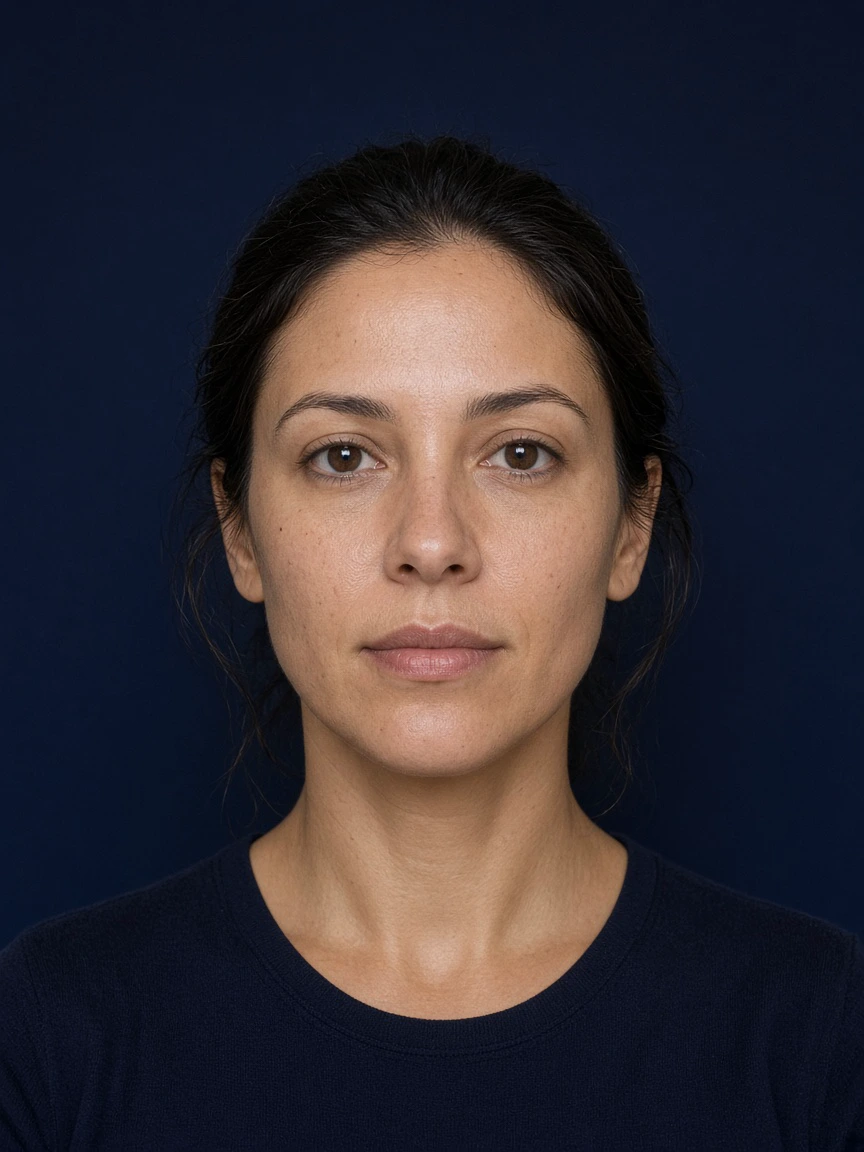
A short live selfie, taken in the browser.
- Liveness detection tells a real face from a photo, a screen, a mask or a replayed video
- On desktop or phone, with no app to install
03Decision
Read the evidence
The selfie is matched to the document portrait, and every result lands in one record.
- Extracted data and document authenticity
- Liveness and the face match score
- The final decision, with the reasons
Questions teams ask about Shield.
What does Shield check?
A government identity document, a live selfie and the match between the two faces. Shield reads the document’s fields and machine-readable zone, checks it for a screen, a printed copy or a swapped photo, tells a real face from a photo, a screen, a mask or a replayed video, and matches the selfie to the document portrait.
Which documents does Shield read?
Passports, identity cards and driving licences: identity documents from more than 220 countries and territories, across more than 14,000 document types.
What does the person need?
A camera, or photos of the document to upload. The selfie is taken live, in the browser, on desktop or phone.
What comes with a decision?
One record: the extracted data, document authenticity, liveness, the face match score and the final decision, with its reasons.
Can Shield do more than the demo shows?
Yes. Each check is a step in a verification flow. Beyond the core checks, Shield can add NFC chip reading, AML and PEP screening, age estimation, proof of address, phone and email verification, database validation, biometric re-authentication, device and IP analysis, and face search with blocklists.
What does the demo keep?
No visitor data. It uses only a hash of your IP address, for its usage limit.
Do I have to show my own ID?
No. A specimen document works for trying the demo. Expect the authenticity checks to flag it; that is them doing their job.
How can we try Shield?
Run a verification on yourself at shield.alef10.ai. To talk about Shield for your service, book a meeting on Calendly or write to contact@alef10.ai.
Not just a yes or a no. The reasons, too.
Every verification ends in one record: what was read from the document, what each check found, and the decision with its reasons.
- Extracted data
- The name, dates, number and machine-readable zone, read from the document.
- Authenticity
- Signs of a photo of a screen, a printed copy, an altered portrait or a published sample image.
- Liveness
- Whether a real face was in front of the camera.
- Face match score
- A similarity score you can set your own threshold on.
- Decision
- The final decision, with the reasons behind it.
One verification, one record
- 01DocumentFields and machine-readable zone read, authenticity checked
MRZ - 02Live selfieA real face, not a photo, screen, mask or replay
Liveness - 03Face matchThe selfie against the document portrait
Score - 04DecisionThe final decision, with its reasons
Reasons
In the record
- Extracted data
- Authenticity
- Liveness
- Face match score
- Decision
The checks in every verification.
Document verification, authenticity, liveness and face match run in the live demo, in one flow.
Document verification
Reads identity documents from more than 220 countries and territories, across more than 14,000 document types, and extracts the name, dates, number and machine-readable zone.
Document authenticity
Screens each document for a photo of a screen, a printed copy, an altered portrait and a published sample image, and flags expired or unreadable documents.
Passive and active liveness
Passive liveness works from a single selfie. Where the risk calls for more, an active check asks for a 3D movement or uses a light-flash sequence.
1:1 face match
Compares the live selfie with the portrait on the document and returns a similarity score you can set your own threshold on.
The demo runs the core checks. Shield can run many more.
Each check is a step in a verification flow, so a bank, a marketplace and a rental desk can each ask for what they need.
Identity
- NFC chip reading
- Reads the chip in an e-passport or eID with a phone and validates its signatures. It needs a native mobile app, so it is not part of the browser demo.
- Database validation
- Checks the person’s details against the authoritative register for their country, where one is available.
- Biometric re-authentication
- Recognises a returning person with a liveness check and a face match. No document the second time.
- Face search and blocklists
- Searches a new face against people already verified, to catch duplicate identities and anyone on your own blocklist.
- Age estimation
- Estimates age from the selfie alone, and can fall back to a document check when the estimate is close to the limit.
Risk and contact details
- AML and PEP screening
- Sanctions, politically exposed person and watchlist sources, more than 1,300 in total, with optional ongoing monitoring.
- Device and IP analysis
- Flags VPNs, Tor, proxies and data-centre addresses, location mismatches, and the same device behind several identities.
- Proof of address
- Extracts and checks the address on a utility bill, bank statement or government letter.
- Phone and email verification
- One-time codes by SMS, WhatsApp, Telegram, RCS or voice, and email codes with checks for disposable, breached and undeliverable addresses.
What to try in the demo.
The live demo at shield.alef10.ai runs a real verification in your browser: document, live selfie, face match and decision.
- 01
Before you start
Read the privacy notice and tick the consent box. Nothing is captured or sent until you press Start.
- 02
Your ID
Photograph or upload the side with the photo, and the back if it has one. A specimen document works; expect the authenticity checks to flag it.
- 03
A live selfie
Face the camera in even light. Glasses are fine. On a computer without a camera, open the demo on your phone.
- 04
The result
The final decision with its reasons, the data read from the document, the authenticity checks, liveness and the face match score.
- 05
Run another
Leaving or reloading the page discards the result and the images. Nothing from the verification is stored.
Verify yourself, right now.
Run a verification on yourself in the live demo: show an ID, take a live selfie and read the evidence behind the decision. Then tell us what you need to verify, and we will talk through a first step.
- Runs in the browser, on desktop or phone
- Document, selfie and face match in one flow
- No visitor data kept